
How to Customize Your ATS Garage for Free: A Step-by-Step Tutorial


Introduction to ATS Garage Customization
Customizing your American Truck Simulator (ATS) garage can be a rewarding experience, enhancing both aesthetics and functionality. The good news is that you can do this without spending a dime. In this tutorial, we’ll guide you through the process of customizing your ATS garage for free.
Understanding the Basics
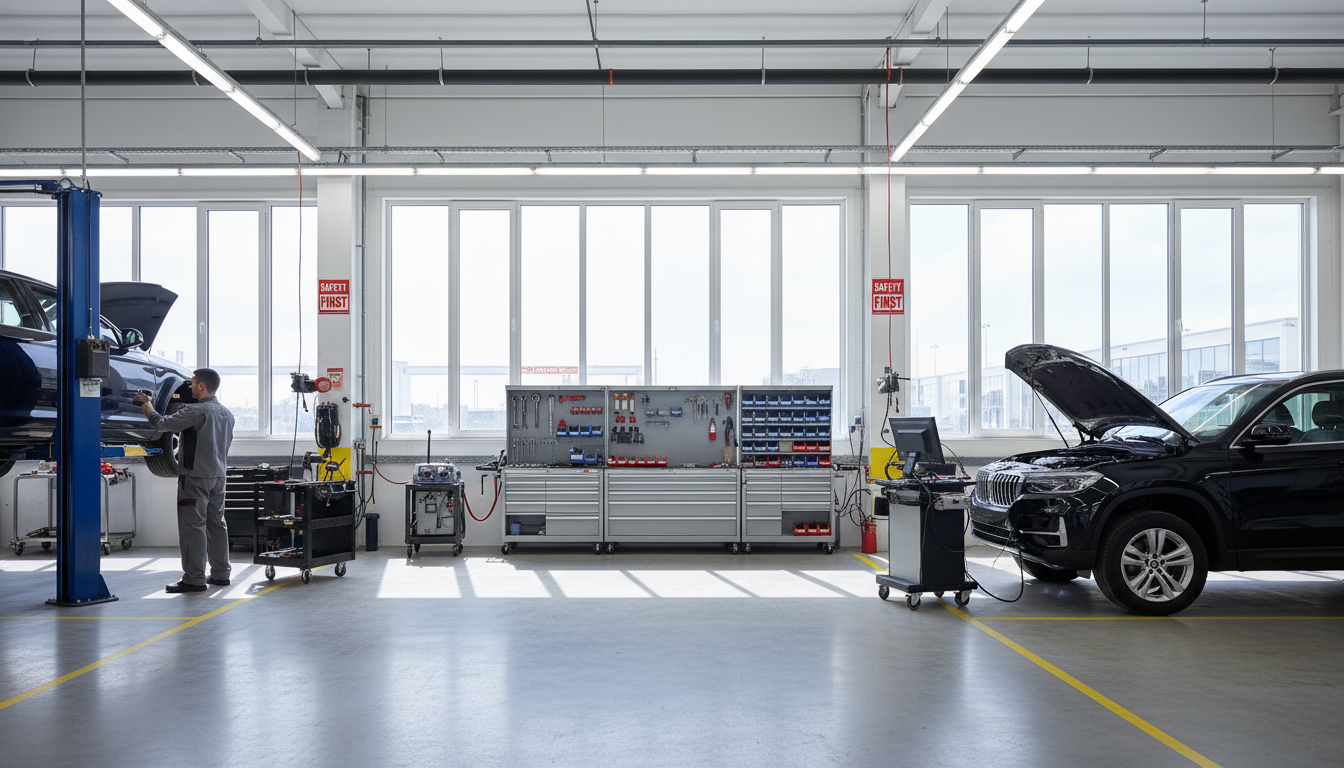
Before diving into customization, it’s important to understand the basic layout of your ATS garage. Familiarize yourself with the default settings and features available to ensure you know what can be changed or enhanced.
Customization involves modifying textures, adding new assets, or reorganizing existing ones. By utilizing free mods and tools, you can transform your garage into a personalized space.
Finding Free Mods
Mods are the backbone of any customization project. You can find a plethora of free mods on popular sites like the Steam Workshop or dedicated ATS mod sites. Search for garage-related mods that suit your style and download them to get started.
- Browse categories and ratings to find popular mods.
- Read user reviews to ensure compatibility and quality.

Installing Your Chosen Mods
Once you’ve downloaded your desired mods, it’s time to install them. Follow these steps to integrate them into your game:
- Locate the downloaded mod files on your computer.
- Extract the files if they are in a compressed format.
- Move the extracted files to your ATS mod directory, typically located in your Documents folder.
After transferring the files, launch ATS and activate the mods in the game’s mod manager.
Customizing Textures and Layout
Next, focus on the visual aspects of your garage. Many mods allow you to customize textures, giving your garage a fresh coat of paint or new floor patterns. Experiment with different combinations to find what suits your style best.
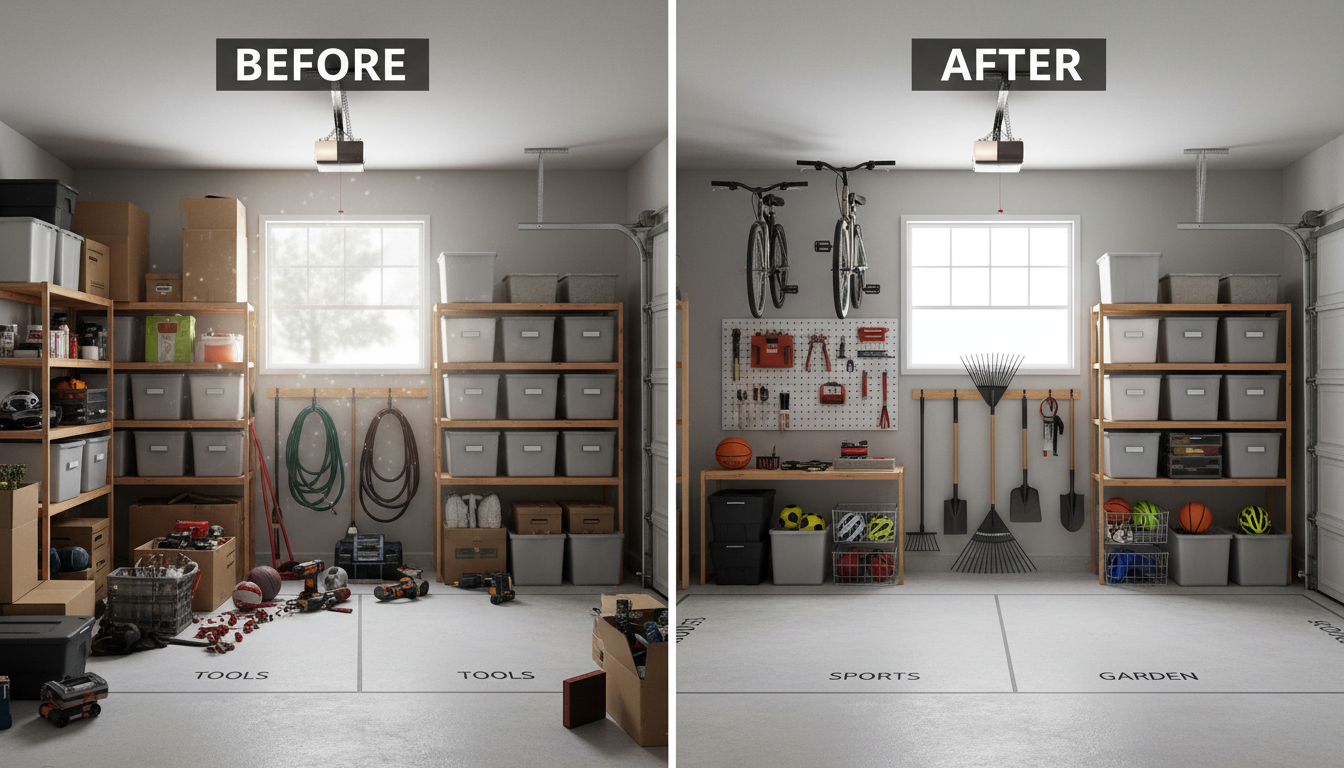
Additionally, rearrange furniture and equipment to optimize space and functionality. This step is crucial for making your garage feel unique and practical.
Testing and Tweaking
After implementing your changes, take some time to test them in-game. Drive around and interact with your customized garage to ensure everything works smoothly. Pay attention to any glitches or issues and adjust as necessary.
Don’t hesitate to revisit the mod sites for updates or new additions that could further enhance your setup.
Sharing Your Creation
Once you’re satisfied with your custom garage, consider sharing your creation with the community. Upload screenshots or videos to forums and social media to inspire fellow ATS enthusiasts.
Engaging with the community can also provide feedback and new ideas for future customizations.

Conclusion
Customizing your ATS garage for free is an achievable and enjoyable project. With the right mods and a bit of creativity, you can transform your virtual space into a personalized haven. Happy trucking!