
DIY Tips for Personalizing Your American Truck Simulator Experience


Introduction to Personalizing Your Experience
American Truck Simulator offers an incredible virtual trucking experience, but personalizing it can take your gameplay to the next level. Whether you're a new player or a seasoned driver, there are numerous ways to customize your game to reflect your unique style and preferences.
From mods to custom paint jobs, the possibilities are endless. In this guide, we'll explore some DIY tips that will help you make the most out of your American Truck Simulator experience.

Choosing the Right Mods
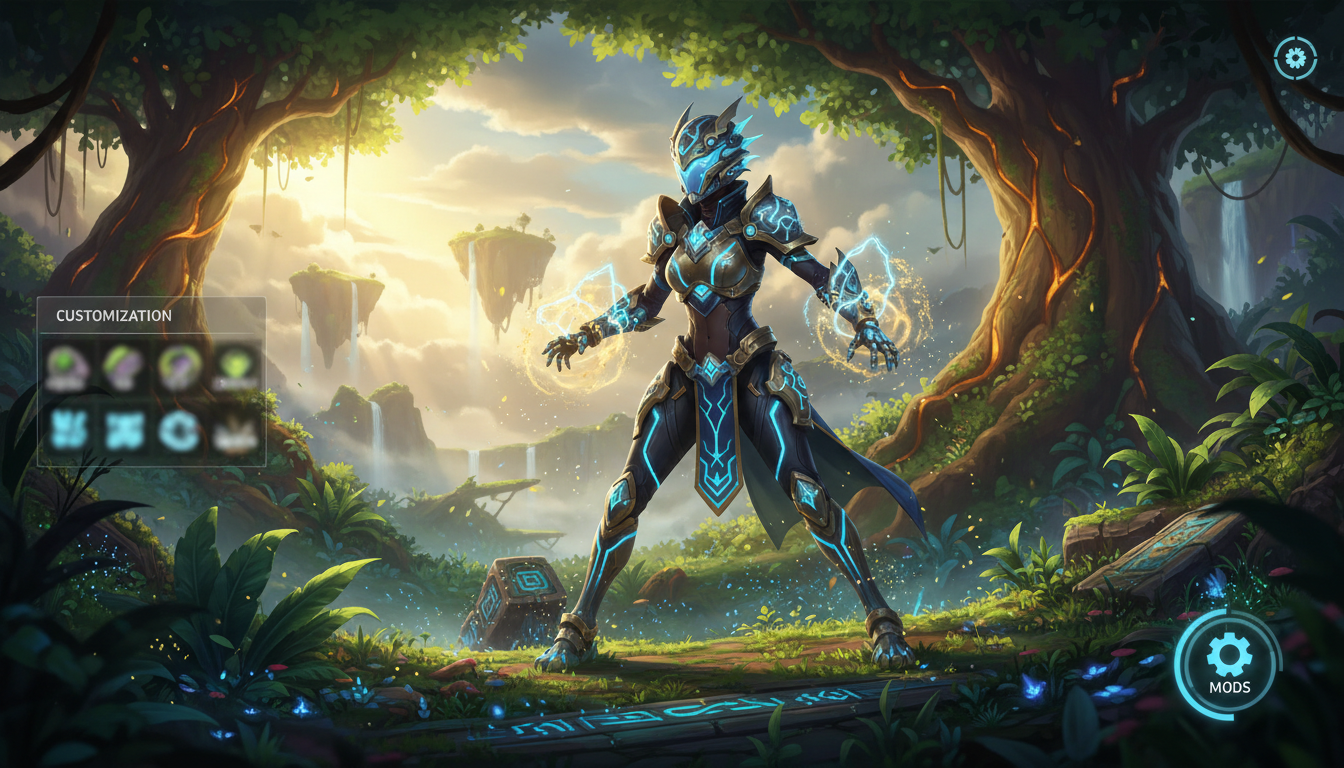
Mods are one of the easiest ways to personalize your game. They can enhance graphics, add new trucks, or even introduce real-world brands. Here's how to get started:
- Research: Visit popular mod sites and forums to find mods that match your interests.
- Install: Follow the installation instructions carefully to ensure compatibility with your game version.
- Test: After installation, test the mod to make sure it works seamlessly.
Custom Paint Jobs
Creating custom paint jobs for your trucks allows you to express your personality on the road. You can use software like Photoshop or GIMP to design your own skins. Here's a simple process:
- Templates: Download truck templates from community sites.
- Design: Use your creativity to design a unique look.
- Apply: Follow the game’s guidelines to apply your new paint job.
Customizing your truck’s appearance not only makes it stand out but also adds a personal touch to your virtual fleet.

Enhancing Audio Experience
Audio plays a crucial role in immersion. Consider tweaking the in-game sounds or adding your own music playlist for those long hauls. Here's how you can do it:
- Sound Mods: Explore sound mods that provide realistic engine noises and environment sounds.
- Music Playlist: Create a playlist of your favorite tracks and add them to the game's music folder.
Having the right audio setup can make your journey more enjoyable and immersive.
Adjusting Game Settings
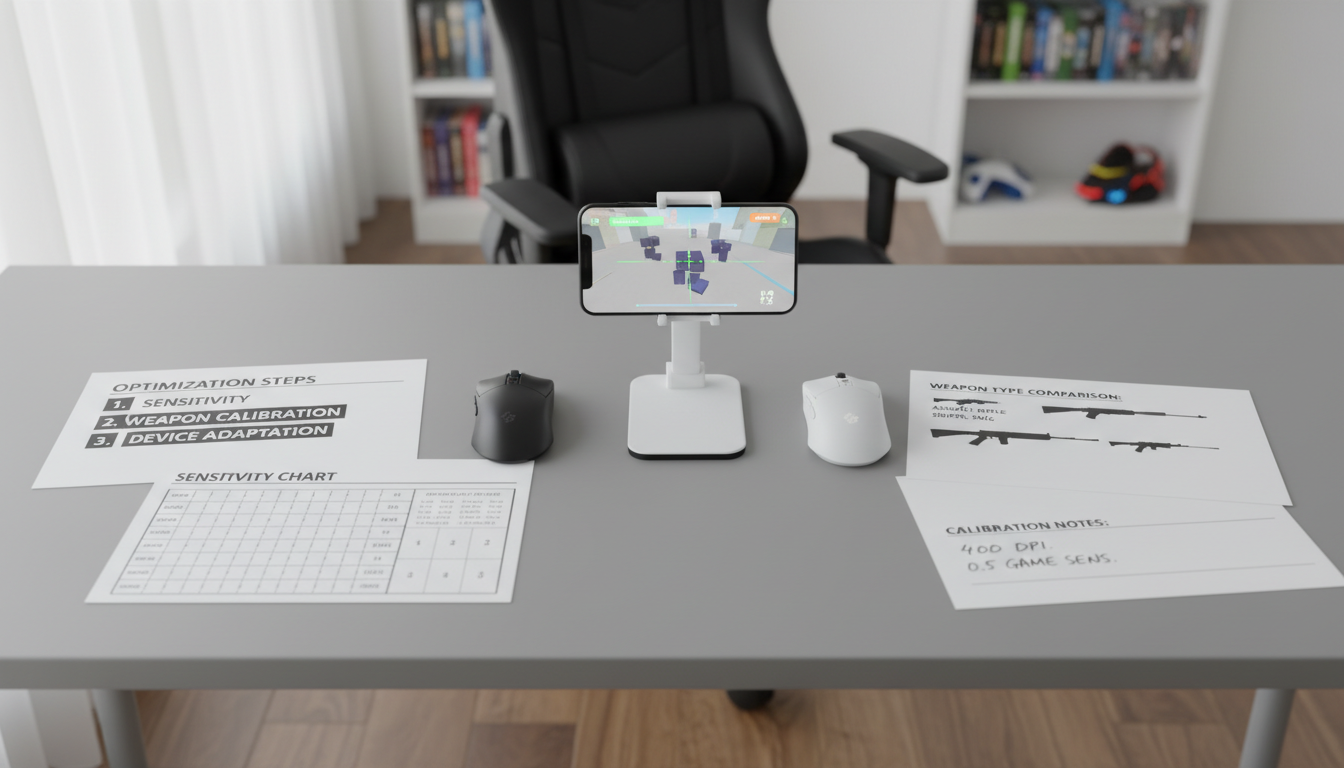
Tweaking the game settings to suit your preferences can significantly enhance your gameplay. Here are some areas to focus on:
- Graphics: Adjust the graphics settings for optimal performance and visual quality.
- Controls: Customize the controls to match your driving style.
- Camera Views: Experiment with different camera angles for a better view of the road.
Joining the Community
Engaging with the American Truck Simulator community can provide new insights and inspiration for personalizing your game. Participate in forums, join social media groups, and attend virtual events to connect with other players.
Sharing your experiences and learning from others can enhance your gameplay and introduce you to new customization ideas.
Conclusion
Personalizing your American Truck Simulator experience is an exciting journey that adds depth and enjoyment to your gameplay. Whether you're enhancing visuals, customizing trucks, or connecting with the community, these DIY tips can help you create a unique and personalized trucking adventure.
Start exploring today and drive the roads your way!