
Building Your Dream Garage: Free ATS Custom Garage Mods


Exploring the World of ATS Custom Garage Mods
For fans of American Truck Simulator (ATS), customizing your virtual garage can add a whole new level of enjoyment to the game. With a plethora of free custom garage mods available, players can transform their in-game experience by adding personal touches to their garages. Whether you want to enhance the aesthetics or improve functionality, there's a mod for every need.
Custom garage mods allow players to personalize their space, making it a reflection of their style. From changing the color scheme to adding unique decorations, these mods can breathe new life into your virtual world. Let's delve into some of the most exciting options available.

Why Customize Your Garage?
Customizing your garage in ATS not only enhances the visual appeal but also adds a sense of ownership and pride. It's a space where you can showcase your favorite trucks, store essential equipment, and even invite friends to admire your setup. A well-designed garage can make the gameplay more immersive and enjoyable.
Moreover, with the right mods, you can improve the functionality of your garage. Some mods add new features like enhanced lighting, additional storage options, or interactive elements. This can make managing your fleet more efficient and engaging.
Popular Custom Garage Mods
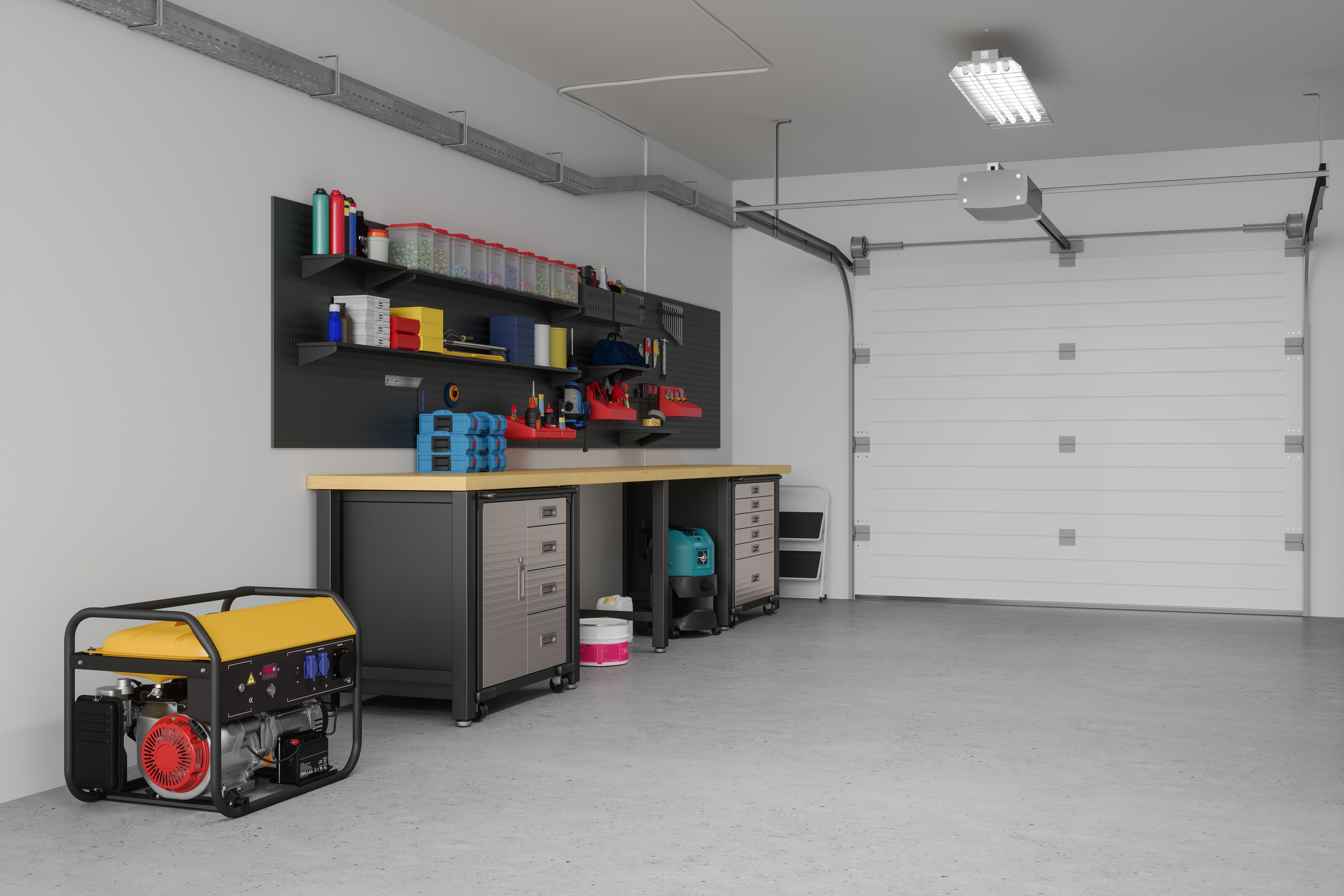
There are numerous mods available that can transform your ATS garage into a dream space. Here are some popular options:
- Garage Interior Rework: This mod provides a complete overhaul of the garage interior, offering new textures, lighting, and decorative elements.
- Custom Paint Jobs: Add a splash of color and personality with custom paint jobs for your garage walls and floors.
- Interactive Features: Some mods introduce interactive elements like working garage doors or customizable displays.
How to Install Custom Garage Mods
Installing custom garage mods in ATS is a straightforward process. First, download the desired mod from a reputable source. Next, extract the files and place them in the "mod" folder within your ATS directory. Finally, activate the mod in the game's mod manager, and you're all set!
It's important to ensure that mods are compatible with your version of the game. Always check for updates and read user reviews to avoid any potential issues. With a bit of experimentation, you'll find the perfect combination of mods to create your ideal garage.
Conclusion
Building your dream garage in American Truck Simulator is a rewarding experience that can significantly enhance your gameplay. With a wide array of free custom garage mods available, the possibilities are endless. Whether you're looking to add a personal touch or improve functionality, there's a mod out there that will meet your needs.
Start exploring today and transform your virtual garage into a space that truly reflects your style and passion for trucking. Happy modding!